Description
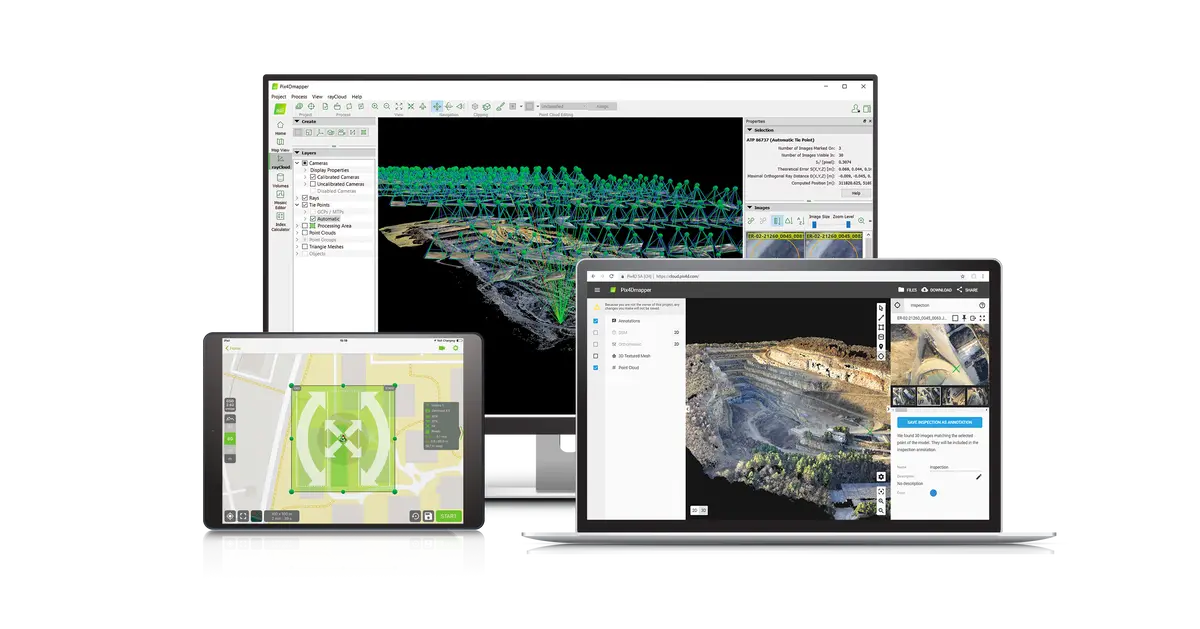
Pix4Dmapper, the professional photogrammetry software that transforms your images into accurate and georeferenced digital spatial models. Using a desktop computer or the Pix4D cloud platform, automatically convert images taken by drone, by hand, or by plane into highly precise 2D maps and 3D models. These outputs are customizable, timely, and complement a wide range of applications and software across industries.
Pix4Dmapper users have access to personal customer support and to a wealth of learning resources and training to help them become experts.
The leading photogrammetry software for professional drone mapping
1. Capture
Capture RGB, thermal, or multispectral images with any camera or drone and import them to PIX4Dmapper.
2. Digitize
PIX4Dmapper’s photogrammetry algorithms transform your ground or aerial images in digital maps and 3D models.
Seamlessly process your projects on your desktop using our photogrammetry software, or bundle with PIX4Dcloud for online processing.
3. Control
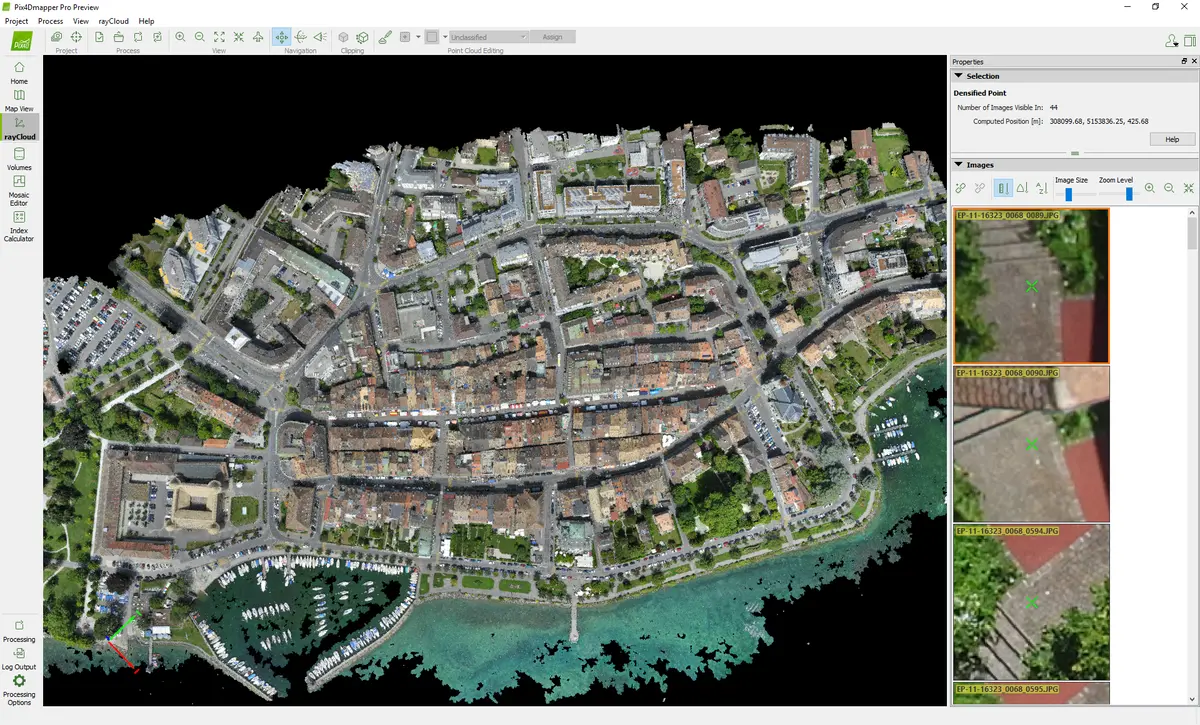
Use the power of photogrammetry in the rayCloud environment to assess, control and improve the quality of your projects.
Use the quality report to examine a preview of the generated results, calibration details, and many more project quality indicators.
4. Measure & Inspect
Accurately measure distances, areas, and volumes.
5. Collaborate & Share
Streamline project communication and teamwork. Selectively and securely share project data and insights, with your team, clients, and suppliers, using standard file formats.
Photogrammetry Solution to Power Applications Across Industries
Advanced data processing for precise results
Survey-grade results
Obtain results with sub-centimetre accuracy thanks to photogrammetric analysis.
1-2 pixel GSD in X, Y directions
1-3 pixels GSD in the Z direction
Complete control over your project
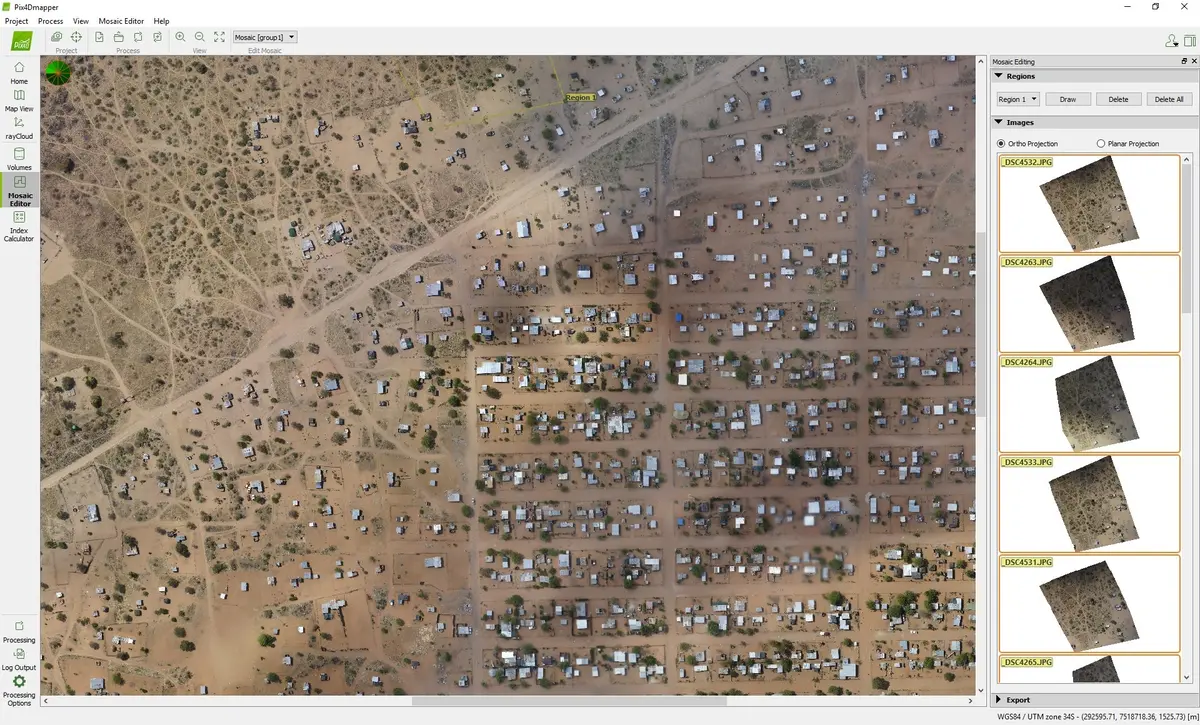
Define an area of interest, select processing options, add ground control points or edit point clouds, DSMs, meshes, and orthomosaics.
Your workflow, your choice
Use default templates for automatic processing of your projects, or create your own with custom settings for full control over the data and quality.
Accurate 3D maps and models, purely from images
Automatic Point Cloud Classification
 Distinguish objects with machine learning classification processes.
Flatten & Smoothen Digital Surfaces

Create surfaces to improve planarity or fill holes in critical areas.
Easily Measure Surface, Distance & Volume

Measure in 3D with a fully-adjustable base height.
Control over the Project Accuracy

Annotate and edit 2D and 3D GCPs, check points, and MTPs with the highest accuracy, using both original images and 3D information at the same time.
Detailed Quality Report

Photos First
Any camera. Any drone. Any imagery. As long as it’s a .jpg or a .tif.
- RGB Images
- Any Drone Image
- Multispectral Images
- Thermal Images
- Fisheye Images
- 360° Camera Images
- Camera Rig Images
- Videos
Generate High Resolution Outputs for any Project and Use Case
Any camera. Any drone. Any imagery. As long as it’s a .jpg or a .tif.
Full-color point cloud
.las, .laz, .ply, .xyz

Orthomosaic
GeoTiff (.tif), .kml

Digital surface model (DSM)
GeoTiff (.tif), .xyz, .las, .laz

3D textured mesh
.ply, .fbx, .dxf, .obj, .pdf

Index map
GeoTiff (.tif), .shp

Thermal maps
GeoTiff (.tif)

Videos
Pix4Dmapper – Getting started with your first Pix4Dmapper projectPix4Dmapper – Accurate georeferencing in Pix4DPix4Dmapper – Accurate georeferencing in Pix4DPix4Dmapper – Measuring distances areas and volumes in 3DPix4Dmapper – More accurate maps and 3D models with tie pointsPix4Dmapper – Merging projects in Pix4DmapperPix4survey – Profiles and Sections
Explore more from our collection.



Reviews
There are no reviews yet.